mh essential tools: Postman
I was once asked in an interview which programs I install first on a new work laptop. Well, Postman certainly fulfils that criteria!
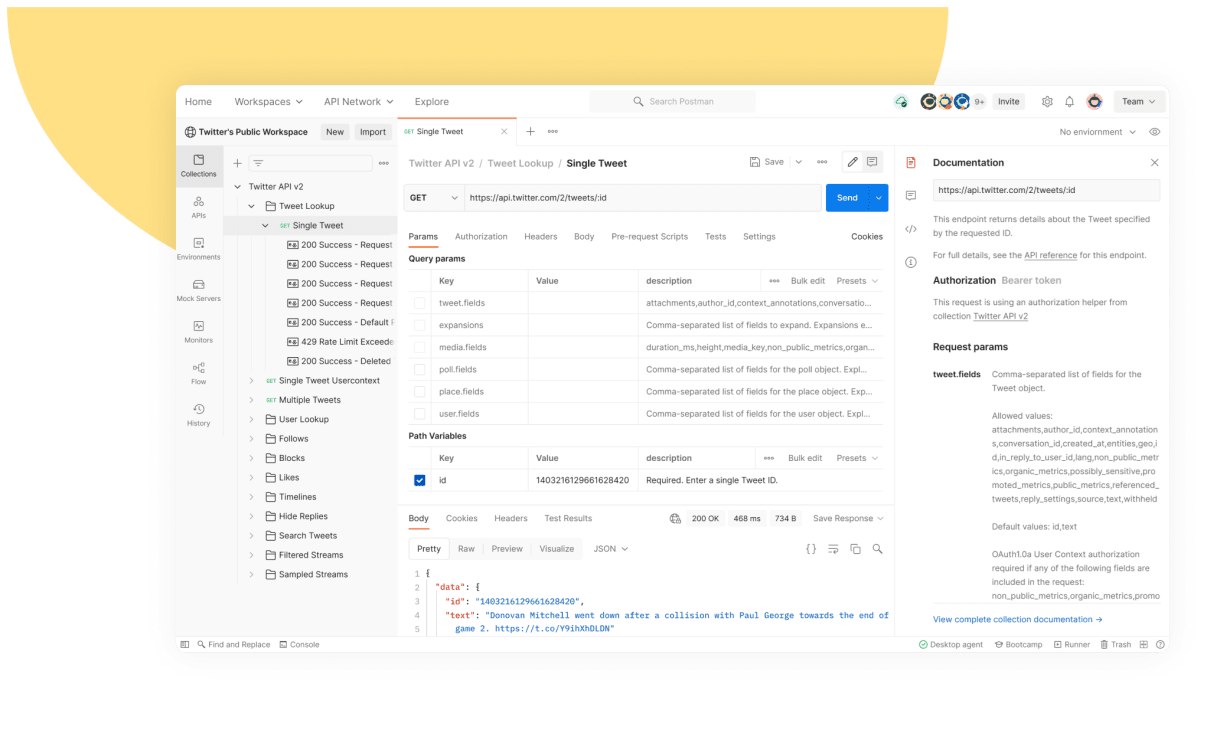
Postman is an API testing platform, allowing you to understand the structure of endpoints and model API calls before implementing them into your project.
Taking one step back, what is an API? An API or application programming interface is essentially a method of data transmission that allows information in a pre-defined format to be sent between 2 endpoints, which send or receive the data and further integrate it into the connected software/database.
Here are some marketing tools with APIs:
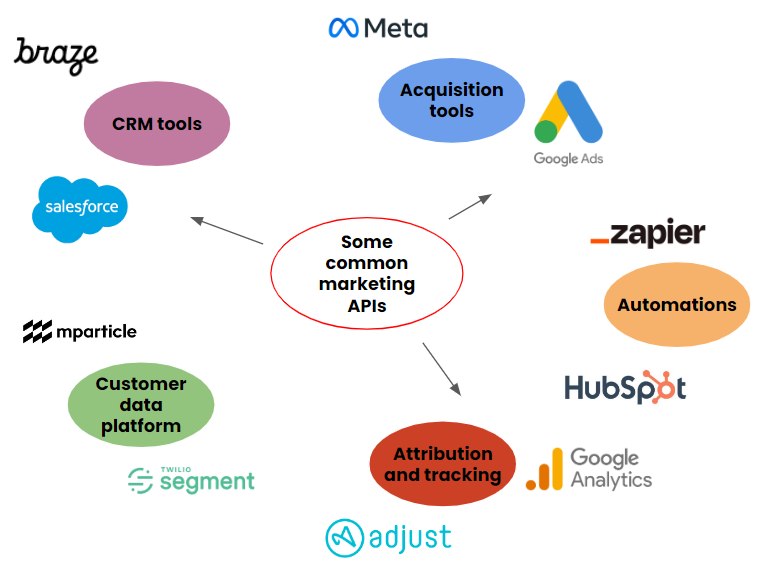
Needless to say – as a marketing technologist, you will be making extensive use of APIs!
Some common martech use cases include:
- Triggering email campaigns from outside your CRM tool
- Importing conversion events to acquisition platforms like facebook and Google Ads
- Triggering workflows in automation platforms like Zapier
- Exporting reporting data
To use an API, you need to know how to structure your request; including which endpoint URL to contact, which parameters are necessary and how to authenticate (so the target endpoint knows you have permission to use it).
Enough background on APIs. How does Postman come in?
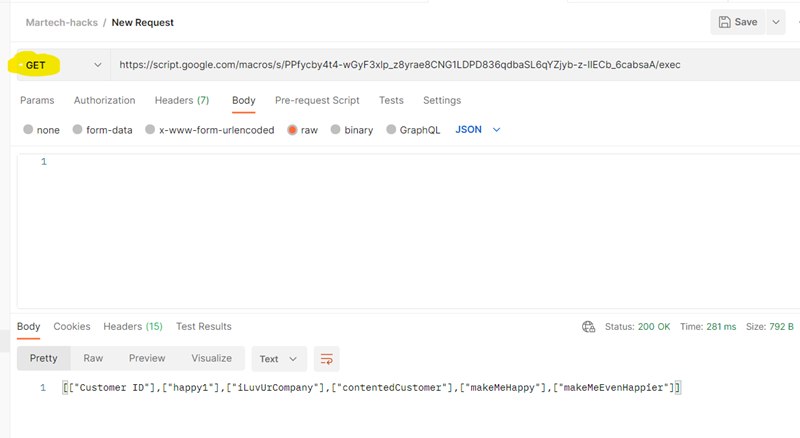
To put it simply, Postman enables you to test API calls and see what data is returned, or which error messages come back in case your call is misformed. The tool has a low entry threshold – it has a simple, intuitive UI and is very accessible for beginners.
Here’s a quick run through of the most important functionality:
HTTP requests
Set up your test API calls including GET and POST requests, headers and a variety of authentication methods
Collections
Group your requests by common platform or purpose
Workspaces
Groups of your collections, which can also be shared with your colleagues
Code snippets
A relatively hidden feature but a real time saver. It gives you the code for accessing your API in many different languages/frameworks, like Javascript and Python.
There are loads of other product features to explore like Runner (for iterating requests) and Monitor (for scheduling test calls).
How can I get Postman?
Go to Postman’s website and make an account.
Whilst you can use Postman entirely as a web app, you’re best off going with the desktop version.
What’s next?
If you’ve set up Postman and would like some help getting started on your first call, check out this post for a more detailed walkthrough.